 Login
LoginKDE Plasma 6.6 Turns Spectacle Into an OCR Tool and Ships a New Setup Wizard
18 February 2026 at 18:19

The release also includes a new color blindness filter, an on-screen keyboard, and better high refresh rate display handling.
 Calculate Linux is a Gentoo-based family of three distinguished distributions. Calculate Directory Server (CDS) is a solution that supports Windows and Linux clients via LDAP + SAMBA, providing proxy, mail and Jabbers servers with streamlined user management. Calculate Linux Desktop (CLD) is a workstation and client distribution (with a choice of Cinnamon, KDE Plasma, LXQt, MATE or Xfce desktops) that includes a wizard to configure a connection to Calculate Directory Server. Calculate Linux Scratch (CLS) is a live CD with a build framework for creating a custom distribution.
After almost 4 months of development, KDE announced the new major 6.6 version of its Plasma desktop yesterday.
The new version of this popular Linux desktop environment introduced a new on-screen keyboard (aka virtual keyboard), that will be automatically enabled when there’s no real keyboard detected.
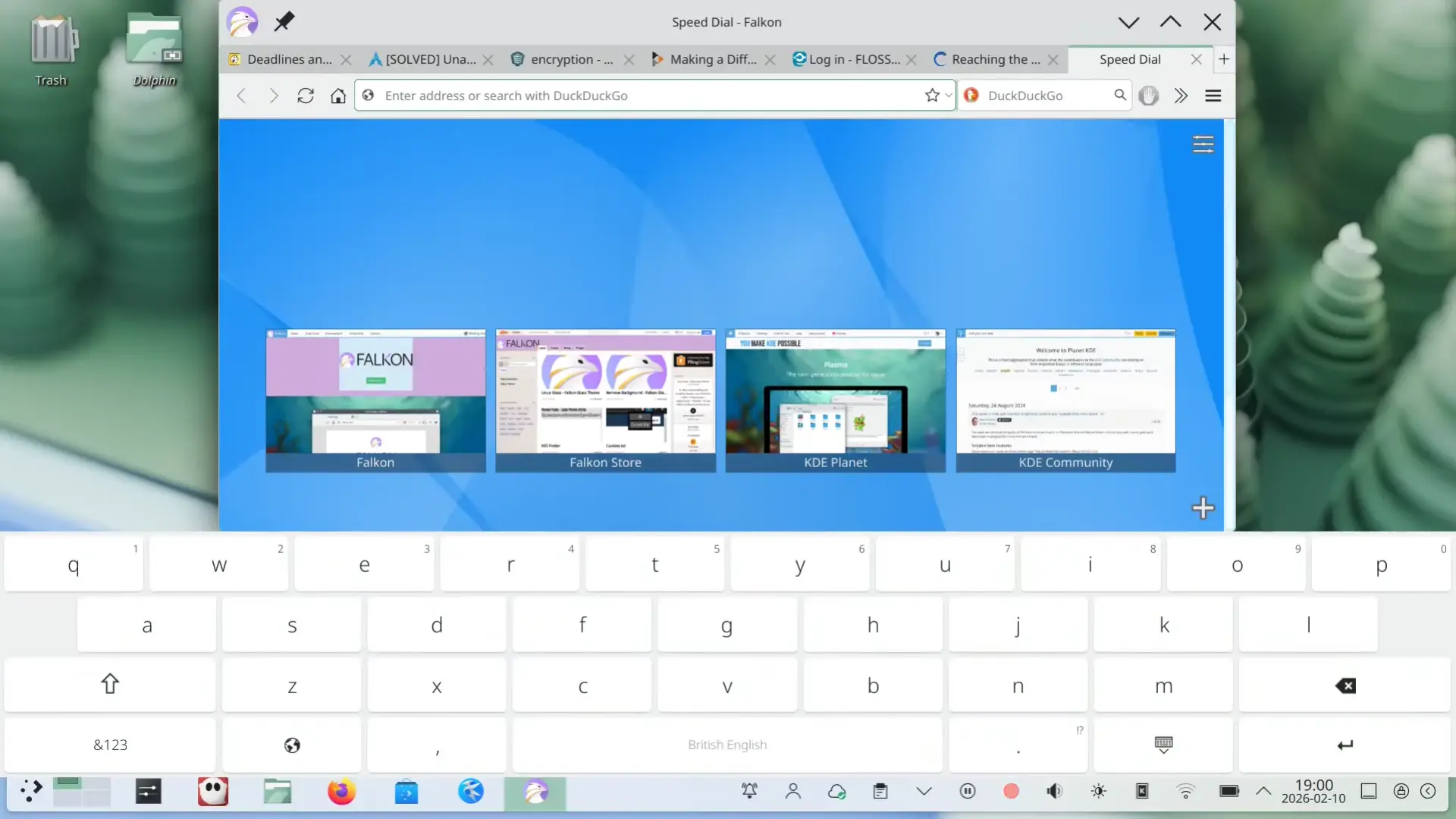
Plasma new on-screen keyboard (image from kde.org).
Spectacle, the built-in screenshot tool now has OCR support. After installed tesseract package, user can enable the Text Recognition (OCR) feature in the configuration dialog, then use it to extract text from screenshots.
During screen area selection, it now also provides a on-screen “Cancel” button which is useful for touchscreen users. And, for any app window, a new “Hide from Screencast” option is added into the window header right-click menu, allowing to except that window from screenshot.
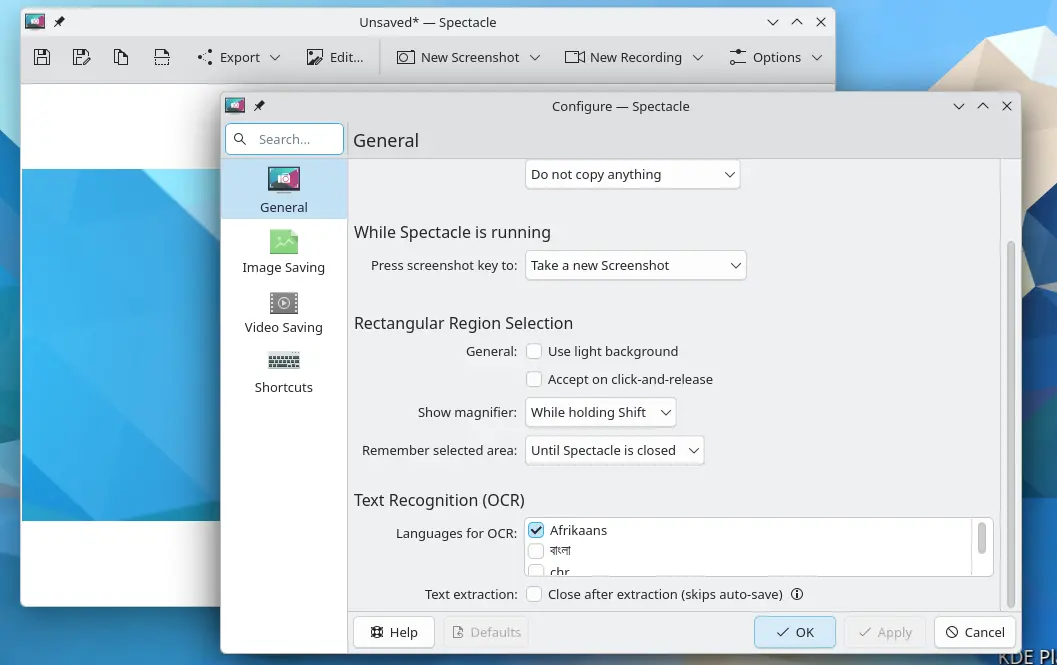
Spectacle now has OCR support
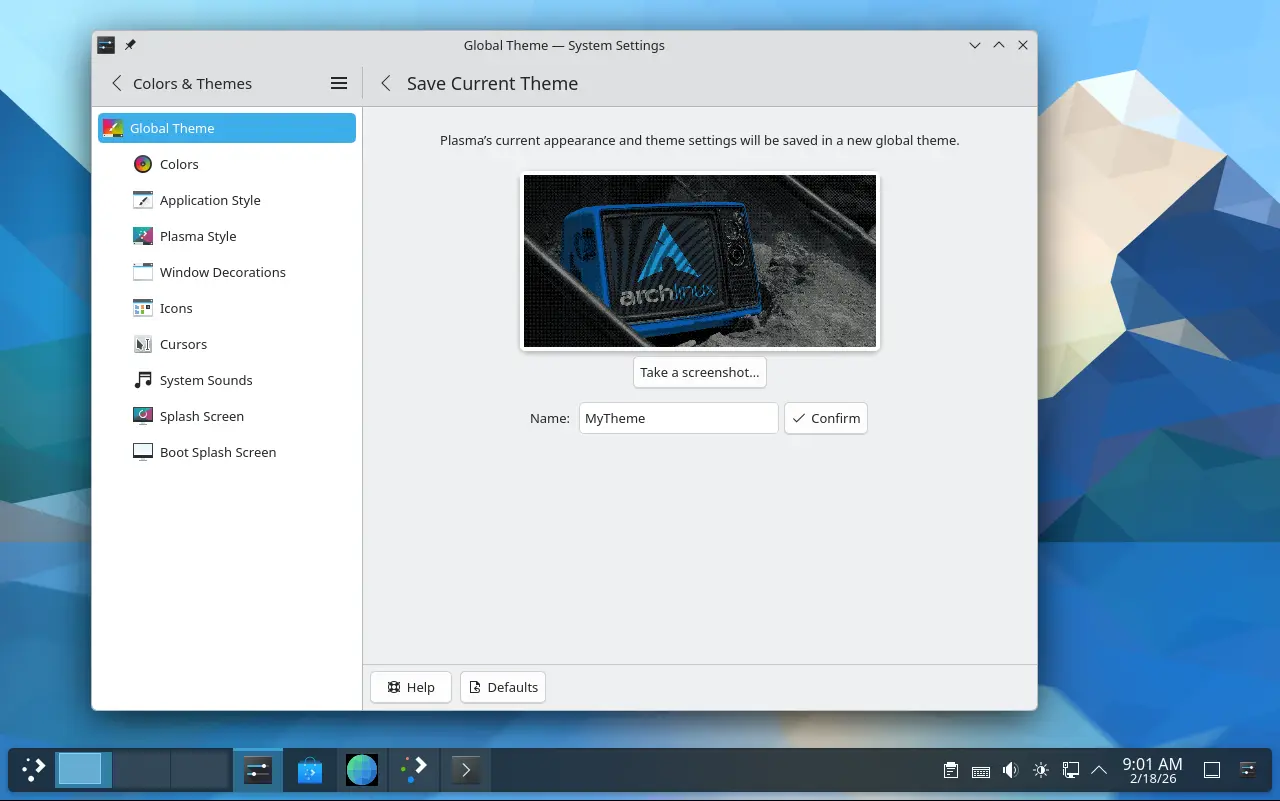
In the Colors & Themes settings page, you’ll see a new “Save Current Theme” button, allowing to save current settings (e.g., colors, window decoration, icons, cursors, desktop and window layout) as a custom global theme with custom name and thumbnail image.
Your saved themes are displayed as the global theme choices. And, they can be used for the day and night theme switching feature.
The new version also introduced Plasma Setup, a new first-run wizard for Plasma desktop, to create user account, connect to network, and configure other important things after installed the desktop environment.
The Windows List widget has been updated with Open on Hover option, and ability to filter out windows not on the current desktop or activity. Zoom and Magnifier now has a new tracking mode, always keep the pointer at center of screen.
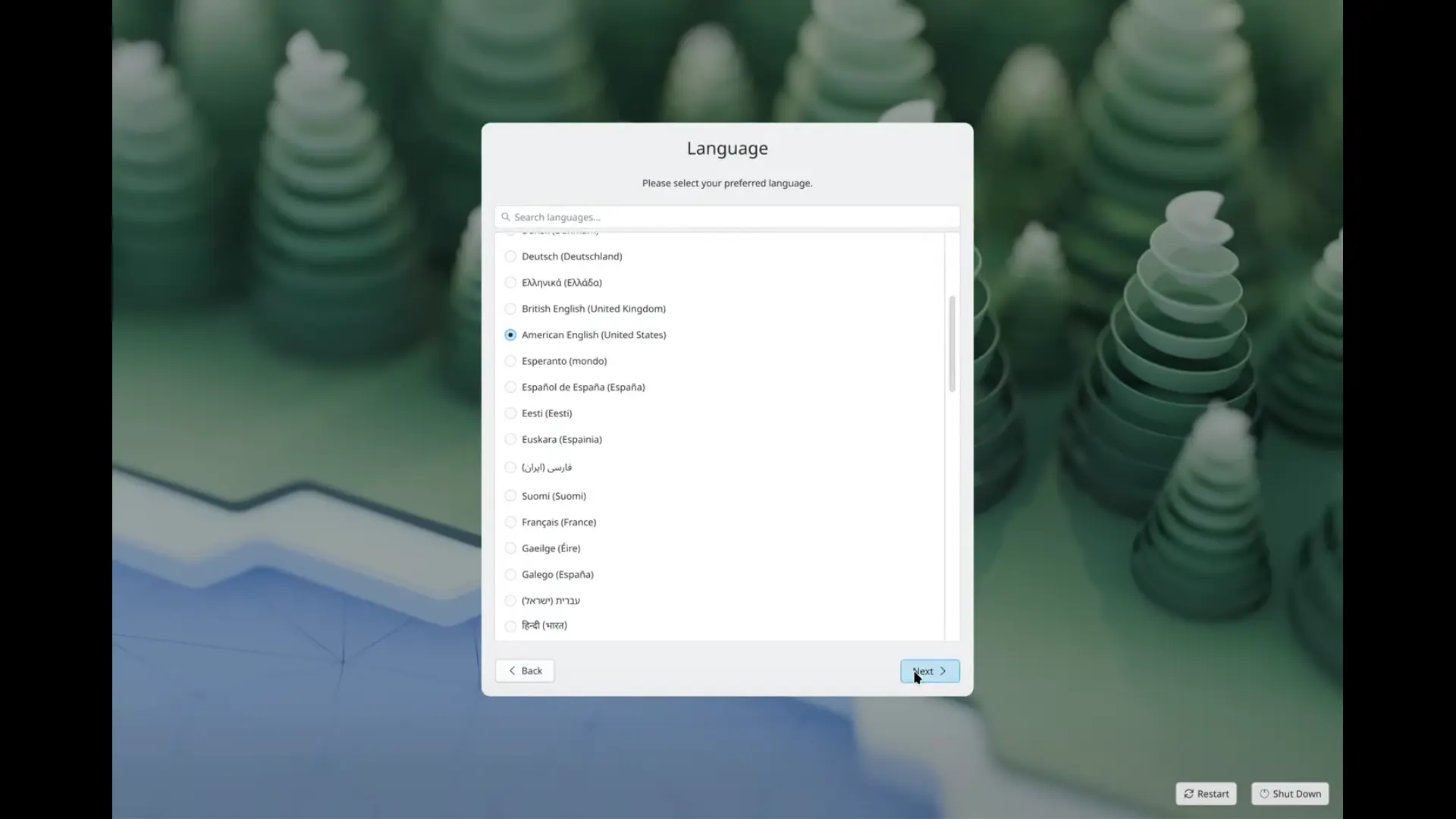
Initial setup useful for first time using the system
Other changes include optional new plasma login manager, better high-refresh-rate screen support, as well as:
For more about Plasma 6.6, see the official announcement in KDE website.
The source tarballs for the new desktop release are available to download at KDE web-site via this link page.
As a Linux user, it’s recommended to wait for your distribution updates. Arch Linux has made Plasma 6.6 into its official Extra repository, and, Fedora has built it for the next 44 version.
For Ubuntu, plasma desktop is available through the community maintained universe repository. If Debian upstream includes plasma 6.6 before the Ubuntu 26.04 package import deadline, then the new desktop will be available in next KUbuntu 26.04.
KUbuntu also has an official PPA that backports new versions of KDE Platform, apps, and frameworks for the most recent KUbuntu release. Though, it probably won’t make 6.6 for current 25.10 due to Qt version mis-match.
GobMis GNU/Linux is a Linux distribution adopted to the needs of public administration offices in the Misiones province of Argentina. It is based on Devuan and uses the Xfce desktop environment. The distribution comes with a NextCloud and OpenVPN-based client software that connects to central work servers, as well as a selection of applications commonly used in government offices. The project uses free software and open document standards, and it also supports the objectives of sustainable development. GobMis GNU/Linux is available publicly and without any cost, inclusive of extensive documentation.
