
❌

Normal view

LibreOffice 26.2 Released with Markdown Import/Export, Vertical Tabs

By: Ji m
5 February 2026 at 14:15

LibreOffice, the free open-source office suite that defaults in many Linux Distributions, released new major 26.2 version yesterday.

The new version updates it UI with vertical tabs in left side for the dialogues. While user can easily switch back to use tabs on top, by going to Tools -> Options -> LibreOffce -> Appearance setting page.
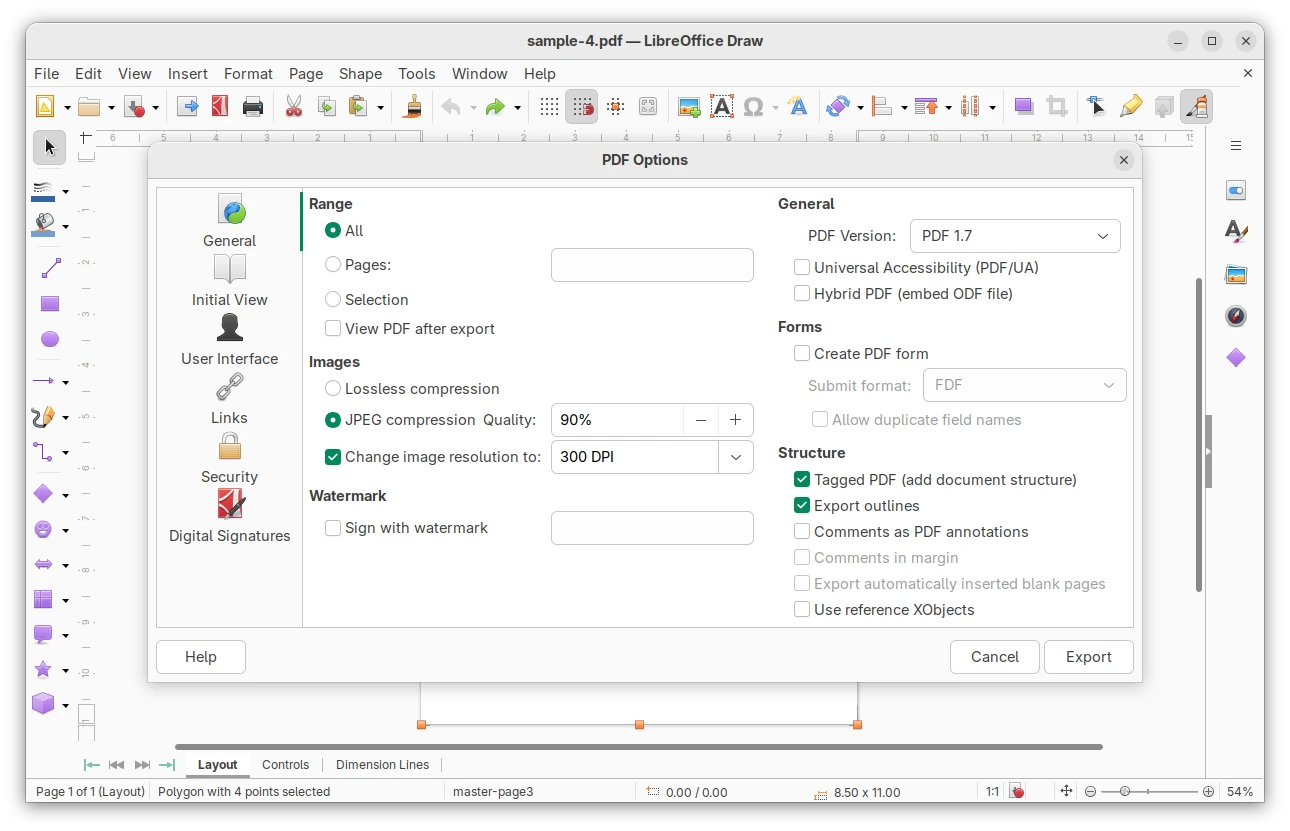
The layouts panel in the Impress sidebar, theme dialog, and Presets and Shadow Style Positions from the border page dialog now use modern native IconView GTK widget for improved UI consistency and performance. And, in Linux it uses native GTK or Qt color chooser dialog instead of the custom LibreOffice one, though also user can switch back by going to General settings.

Besides UI changes, the new version added support for importing/exporting Markdown format, as well as using ODT/DOCX templates while importing a Markdown document.

It also sped up EPUB export and added a progress bar during the export process. And, it improved line height handling of Chinese, Japanese, and Korean DOC/DOCX documents.

For fonts with license restrictions, it does no longer silently ignore but asks user if open the document in edit mode or in read-only mode.

The Writer app now supports Start and End paragraph alignment, automatically set the direction of RTL text while typing, and includes new option to prevent dragging of selected text.

It as well displays a more visible grid, and the Snap to Grid functionality now accurately aligns objects with the grid.

The Calc features xmlMaps.xml, Biff12 (Excel 2007+) clipboard format, and connector support. Excel 2010+ is now the default format when saving as XLSX. There are as well performance and sort dialog options improvements.

Other changes include:

  • Introduced Microsoft Media Foundation APIs on Windows to support video and audio playback of common codecs.
  • Allow inserting hyperlink via context menu.
  • New symbols for unordered lists.
  • Generic XML and JSON mapping to Calc.

For more, see the official release note.

How to Install LibreOffice 26.2

LibreOffice provides official installers which are available to download via the link below:

Linux user may choose the native deb for Debian/Ubuntu based distributions, rpm for RHEL/Fedora, or Snap package that’s available in Ubuntu Software (App Center), Flatpak package runs in sandbox, or non-installable AppImage.

For Ubuntu users who want to upgrade the pre-installed one to the latest 26.2 version, then it’s recommended to wait the update from LibreOffice Fresh PPA.
Ubuntu 24.04 Has Linux 6.17 HWE Kernel Backported

By: Ji m
5 February 2026 at 12:04

For Ubuntu 24.04 LTS, the Linux Kernel 6.17 backported from Ubuntu 25.10 is available ahead of the 4th point release (Ubuntu 24.04.4).

As you may know, every Ubuntu LTS point release (except for the first one) has a hardware enablement (HWE) kernel major version update, that is the backport of the latest supported release, until the next LTS.

Ubuntu 24.04.2 has Kernel 6.11 from 24.10, Ubuntu 24.04.3 features Kernel 6.14 from 25.04, and now Kernel 6.17 from 25.10 is available before the release of Ubuntu 24.04.4 due in this month.

Different to the Mainline Kernel PPA and any third-party Kernel packages, the HWE kernel is signed with secure boot support, NVIDIA proprietary driver compatibility, and Ubuntu specific drivers. And, it’s officially supported by Canonical (the company behind Ubuntu).

New features from Kernel 6.14 to 6.17

Compare to the last Kernel 6.14, there are numerous new features and new hardware support in Kernel 6.15, 6.16, and 6.17.

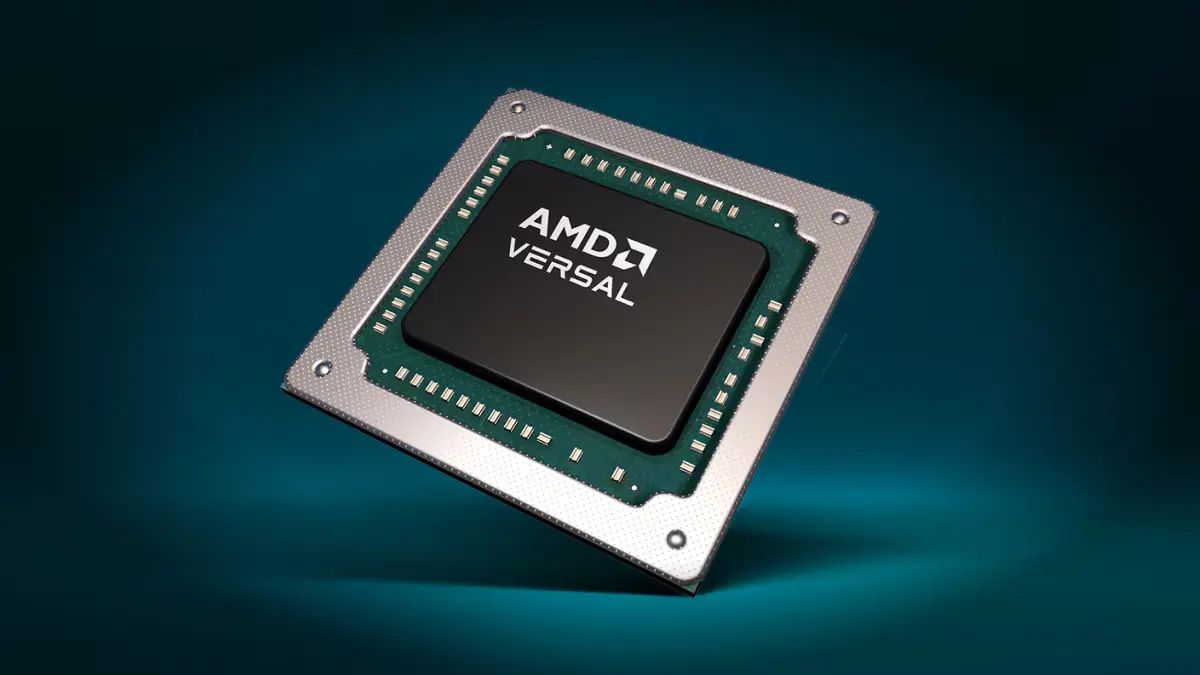
For AMD, it includes virtual TPM driver to emulate a hardware TPM 2.0 chip for virtual machines (VMs) or containers, RX 9070 series fan speed report, OEM i2c support for RGB lighting controls, AMD Versal NET SoC support, temperature monitoring support for Zen 5 desktop CPUs, and better support for processors with mix of classic and dense cores.

On Intel side, it features Advanced Performance Extensions (APX) support, Xe driver update with virtual memory share, TDX support in KVM to create hardware-isolated virtual machines, audio support for Intel Wildcat Lake, fan speed report with Intel Xe driver, web camera support on Lunar Lake and Panther Lake laptops, and OpenGL and Vulkan support enabled for Xe3 Panther Lake graphics.

There are as well many new and updated hardware support. They include the support for Apple Touch Bar display, Apple Magic Mouse 2 USB-C, Apple M2 Pro / Max / Ultra PCIe, Touch Bars on x86 MacBook Pros, and new driver for being able to reboot modern M1/M2 Macs.

It also includes support for MNT Reform 2, Samsung Snapdragon X, ASUS Zenbook A14 and HP EliteBook Ultra G1q laptops, hardware monitoring and fan control on compatible Alienware laptops, external DisPlayPort support in ThinkPad T14s and XPS 13 9345, and USB-A ports, micro-SD card reader, Bluetooth connectivity for ASUS Vivobook S15.

Other hardware support include:

  • NVIDIA Tegra264.
  • NVIDIA Blackwell and Hopper GPUs support via Nouveau driver.
  • Intel Killer E5000, Realtek RTL8814AE and RTL8814AU, Realtek RTL8127A 10GbE Ethernet support.
  • Huawei Matebook E Go EC tablet.
  • Raspberry Pi RP1 PCI device.
  • Lenovo Legion Go S gaming handheld.
  • BCM5325 switches.
  • MediaTek MT8370 SoC.
  • Better support for Sony PlayStation 5 controllers.
  • Lenovo ThinkEdge SE30 Watchdog support.

For more details, see 6.15, 6.16, 6.17 in kernelnewbies.org.

Install the New HWE Kernel 6.17

To get the new kernel, simply launch Software Updater then install all the available updates.

Or, launch terminal (Ctrl+Alt+T) and run the command below instead:

sudo apt update && sudo apt full-upgrade

Finally, restart computer to apply change.

For original 24.04 users who never installed the HWE kernel, try running the command below to get it:

sudo apt install linux-generic-hwe-24.04

And, in case the new kernel does not work properly on your machine, run the command below to install back the 6.14 kernel, then boot it from Grub boot-loader -> Advanced options sub menu.

sudo apt install linux-image-generic-6.14 linux-headers-generic-6.14
❌